No Install Needed! How to Check Your Internet Speed in 3 Seconds with Fast.com
When your internet feels slow, Netflix's Fast.com lets you measure your speed instantly just by visiting the site. Here's everything you need to know about how it works and what the results mean.
Hi, I'm hitechpapa.
When your internet feels sluggish, the first thing you want to know is how fast your connection actually is. But when you try to run a speed test, you often end up on sites that want you to install software, bombard you with ads, or make it impossible to figure out where to click.
Fast.com eliminates all of that. Just visit the site and it starts measuring automatically -- no ads, no installs, no hassle. In this post, I'll walk you through how to use Fast.com, how to read your results, and some practical tips for getting the most out of it.
What Is Fast.com?
Fast.com is an internet speed test site built by Netflix, the world's largest streaming service. Why would Netflix create something like this? Simple: when users complained about buffering, Netflix wanted a quick and easy way for them to check whether the issue was actually their internet speed.
That's why Fast.com is designed with simplicity as the top priority. No complicated settings, no account registration, no ads whatsoever. Just type fast.com in your browser's address bar, hit Enter, and you're done.
How to Use It
Using it is incredibly straightforward.
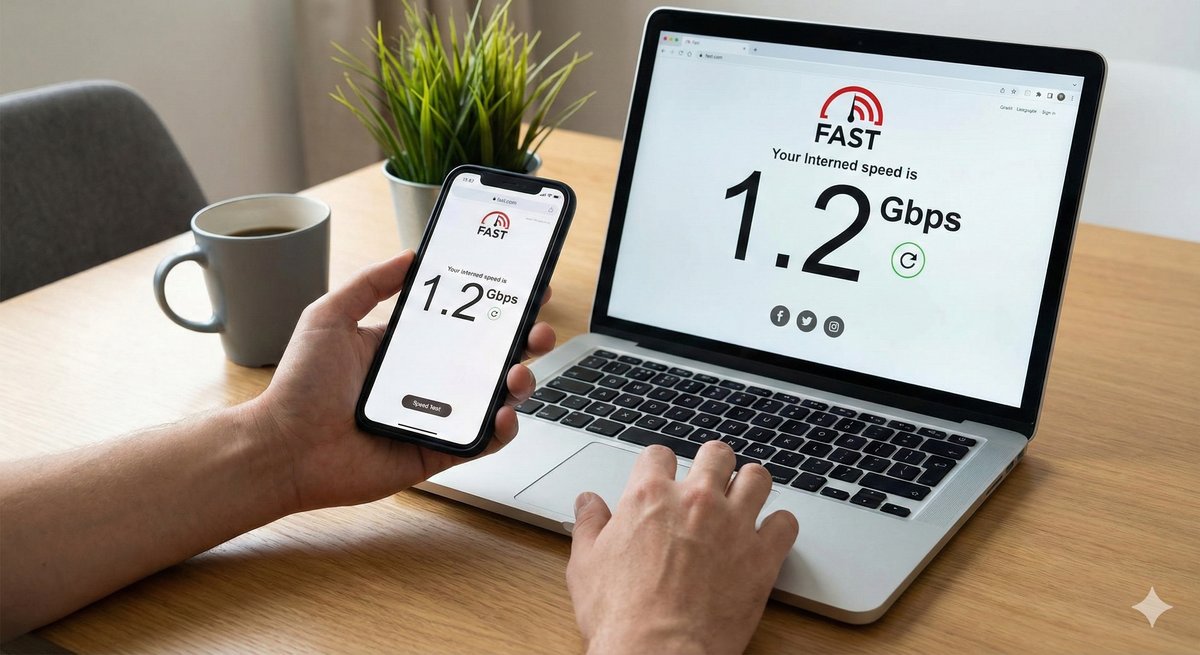
Open your browser and type fast.com in the address bar. As soon as the page loads, it automatically starts measuring your download speed. After about 10 seconds, your current download speed appears front and center on the screen.
But that's not all. Click the "Show more info" button at the bottom of the screen to see your upload speed and latency (delay). Upload speed matters when you're uploading files or on video calls, while latency is a crucial metric for online gaming.
Understanding Your Results
If you've run a test but aren't sure whether your numbers are good or bad, here are some general benchmarks to keep in mind.
For everyday web browsing and YouTube, 10-25 Mbps is plenty. Netflix recommends at least 5 Mbps for HD streaming and 25 Mbps or more for 4K. For smooth video conferencing, you'll want at least 3 Mbps upload speed. And for online gaming, a latency of 50ms or less is ideal.
If you're paying for a 100 Mbps plan but your test results are significantly lower, it might be time to take a closer look at your network setup -- your router, cables, and overall configuration.
What to Check When Speeds Are Slow
If you're on a 500 Mbps plan but getting less than 100 Mbps, here are a few things to investigate.
If you're on Wi-Fi, try testing with a wired connection. Wi-Fi speeds can drop significantly due to distance, walls, and interference from other electronics. If speeds are still low on a wired connection, check your Ethernet cable. Look for "CAT5e" or "CAT6" printed on the cable -- those support gigabit speeds. Older CAT5 cables max out at 100 Mbps.
Your router matters too. If it's more than five years old, it might not support gigabit speeds. Check the specs to see if the WAN and LAN ports are rated for 1 Gbps.
The time of day also plays a role. Peak hours (roughly 8-11 PM) see the heaviest internet usage, which can slow things down. Try testing again at a different time to compare.
Pros and Things to Keep in Mind
The biggest advantage of Fast.com is its simplicity. The test starts the instant you visit the site, with zero clutter. Since Netflix runs it, there's no need for ad revenue -- which is why the experience is so clean. It also works the same way across all devices: desktops, smartphones, and tablets.
That said, there's one thing to be aware of. Fast.com's test servers are often located in other countries, which can result in slightly lower readings than your actual local speed. You can see the server location at the bottom of the results screen. If you're connected to a server far away, the results may not fully reflect your true connection speed.
For more accurate local measurements, consider using a regional speed test service alongside Fast.com.
Works on Smartphones Too
Fast.com works just as well on your phone. Just open your mobile browser and go to fast.com -- no app needed. It's a handy way to check whether your Wi-Fi is performing as expected or to see what kind of speeds you're getting on 4G/5G.
When your phone's internet feels slow, it helps you figure out whether it's actually a speed issue or a problem with a specific app or server.
Wrapping Up
Fast.com is the simplest way to test your internet speed. No install, no ads, and automatic testing the moment you visit -- these three advantages make it accessible to anyone.
Whether your internet feels slow, you've just set up a new router, or you want to know your current speed before calling your ISP, give fast.com a try. You'll know where you stand in 3 seconds.
Thanks for reading!