I Made a 30-Second Song with Google Gemini! Hands-On Review of AI Music Generator Lyria 3
Google launched the AI music generation model Lyria 3 alongside Gemini 3.1 Pro. Here's my honest review after creating 30-second tracks and exploring its real-world potential.
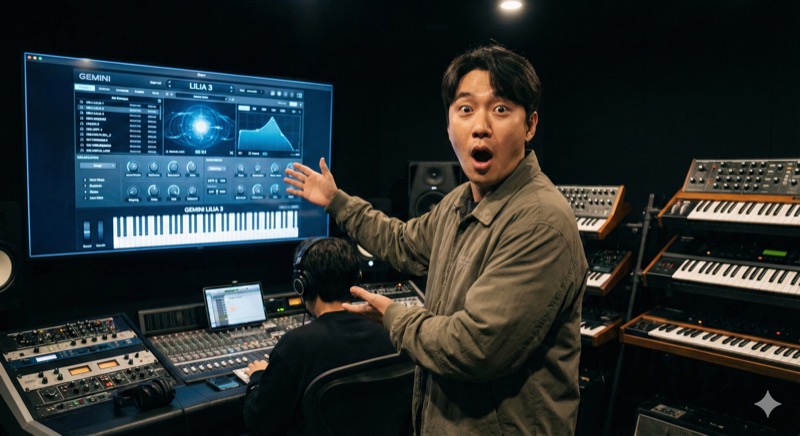
We're barely two months into 2026, and the pace of AI advancement is honestly staggering. Alongside the release of Gemini 3.1 Pro, Google quietly dropped a feature that caught my attention: the ability to create music directly within the Gemini app. Powered by Google DeepMind's latest music generation model, Lyria 3, this feature genuinely blew me away when I tried it.
Today I want to share my honest impressions from making 30-second music tracks with Gemini, and where I think this technology can actually be useful.
How Does Music Creation in Gemini Work?
The process is surprisingly simple. Open the Gemini app, select "Music" from the Tools menu, and describe the kind of music you want -- genre, mood, tempo, whatever. For example, type "Create bright, upbeat pop-style music" and within seconds, you have a 30-second track. It even auto-generates cover art, which is a nice touch.
What really impressed me was the ability to upload a photo or video and have Gemini create music that matches the vibe. I uploaded a photo from a day out at an amusement park with my kid, and it produced energetic, exciting music that perfectly captured the atmosphere. The fact that AI can read the mood of an image and compose matching music is mind-blowing.
Previous Lyria models required you to write your own lyrics, but Lyria 3 generates them automatically based on your prompt. You also get finer control over style, vocals, tempo, and other elements, and the overall musical quality has become noticeably more realistic and complex.
My Honest Impressions After Creating Several Tracks
I experimented with a variety of prompts to create different kinds of music.
First, I tried a mellow piano background track. I typed "Calm, warm piano jazz like you'd hear in a cozy cafe," and the result genuinely sounded like something you'd expect playing in a coffee shop. Yes, the 30-second limit is noticeable, and there are repeating patterns. But as background music, it was perfectly usable.
Next, I made something fun with my kid. I entered "A fun children's song about dancing dinosaurs," and out came a bouncy rhythm with cute lyrics. My kid was thrilled and immediately tried to sing along -- it was a genuinely heartwarming moment. That this kind of experience is possible now really hit me.
For my third attempt, I tried something more professional: "A forward-looking, innovative corporate promo BGM." The result was a clean, polished-sounding track. There's still a gap compared to what a professional composer would produce, but for internal videos or presentations, it was more than adequate.
Only 30 Seconds for Now, But the Possibilities Are Huge
Currently, Gemini limits music generation to 30 seconds. The structure can feel repetitive, and vocals still carry a somewhat mechanical quality. It's too early to replace professional musicians.
But even within these 30 seconds, I've already found plenty of practical uses.
First, YouTube intro and outro music. Short clips at the beginning and end of videos are perfect at 30 seconds. Best of all, there are no copyright concerns -- a massive relief for anyone who runs a YouTube channel.
Second, brand jingles and short logo songs. Commissioning these from professionals can be expensive. With Gemini, you can quickly generate multiple versions and pick the best one. It's especially valuable at the prototyping stage.
Third, making music as a creative activity with my kid. He tells me a theme, and Gemini creates a matching song on the spot. It's a wonderful way to nurture creativity and musical appreciation. Creating "our own song" together is a truly special experience.
Fourth, BGM for presentations and internal videos. A few mood-matching keywords produce appropriate background music instantly, eliminating hours of searching through royalty-free music libraries.
The Future of AI Music Generation Is Exciting
Google embeds an invisible watermark called SynthID in all music generated by Lyria 3, making it possible to verify whether a track was AI-created. The system is also designed not to directly copy existing artists -- if you include an artist's name in your prompt, it draws inspiration from their style rather than replicating their work. It's encouraging to see copyright considerations being taken seriously.
The feature currently supports 8 languages and is available to all users aged 18 and over. Google AI Plus, Pro, and Ultra subscribers get higher usage limits.
Honestly, when I first hit the music creation button in Gemini, I was skeptical: "Can this really produce usable music?" But the moment I heard the generated track, I couldn't help but marvel at how far AI has come.
Yes, the 30-second limitation exists, and there's still a long road before it matches professional music. But the potential alone is thrilling. I'm genuinely excited to see how Gemini's music generation evolves and what impact AI will have on the music industry.
If you haven't tried it yet, give it a shot -- create your own music with Gemini. Those 30 seconds might just add a little spark of joy to your day.